
How to use Lyft for the first time: a complete beginner's guide
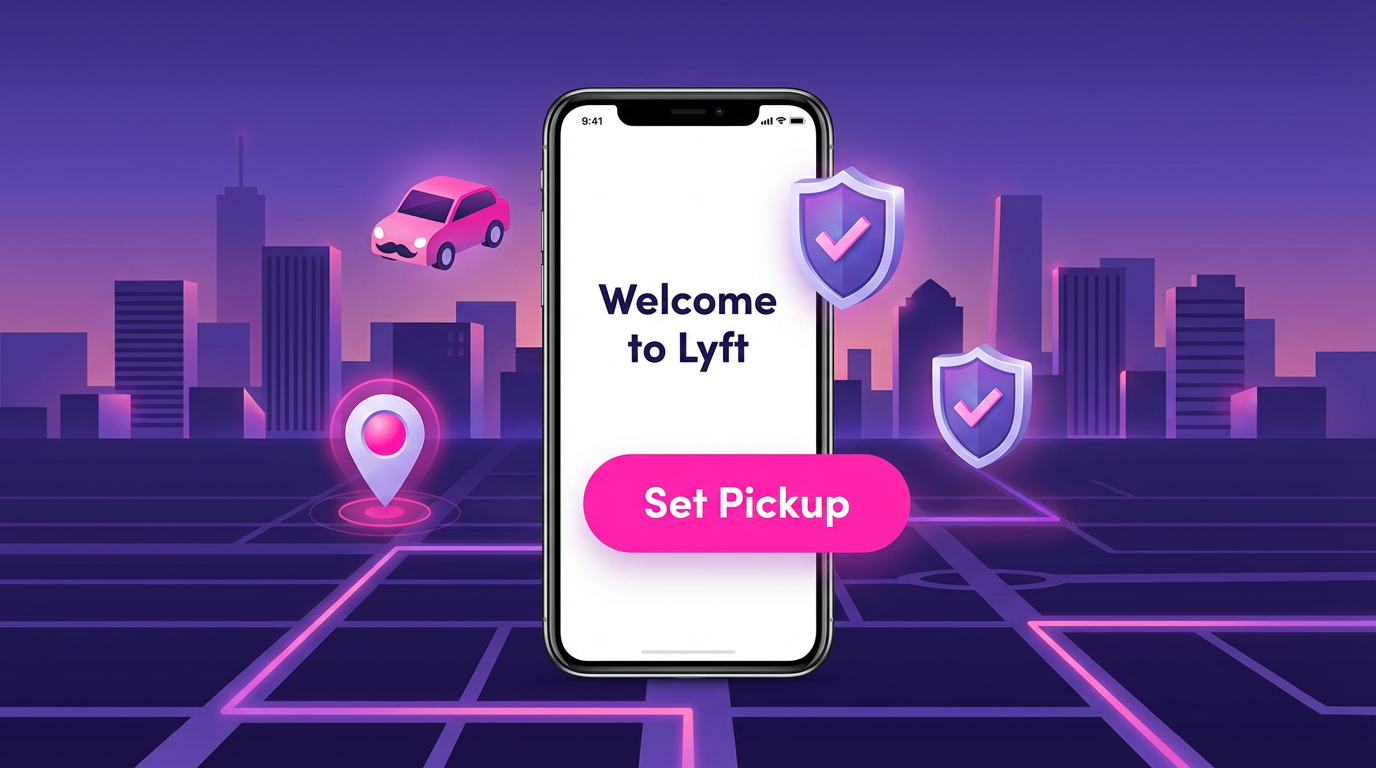
If you've been thinking about trying Lyft but haven't gotten around to it, or you're someone who uses Uber and is curious whether Lyft is worth adding, this guide covers everything from download to your first ride. Lyft is the second-largest rideshare platform in the US, and in many cities it's either cheaper than Uber or has better driver availability at specific times. Understanding how it works opens up the habit of comparing prices between platforms, which reliably saves money on every ride.
What Lyft actually is
Lyft is a rideshare app that connects passengers with drivers who use their personal vehicles to provide rides. It operates throughout the United States and Canada. The basic experience is similar to Uber: you enter a destination, see price options, request a ride, and a nearby driver comes to pick you up.
Lyft was founded in 2012, two years after Uber, and for a long time was the clear second-place option. It's grown into a substantial platform with millions of active drivers, though it still has a smaller driver pool than Uber in most markets, which matters for wait times and coverage in less dense areas.
Downloading and setting up the app
On iPhone, search "Lyft" in the App Store. The publisher is Lyft, Inc., and the app has a pink and white icon. Download it free.
On Android, search "Lyft" in the Google Play Store. Same publisher, same icon. Install it.
After downloading, open the app and tap "Create Account." You can sign up with a phone number, email address, or through your Google or Apple account (on iOS). Phone number is the fastest because verification happens via text.
After verifying your phone number or email, add your name and create a password. Then you'll be prompted to add a payment method. Lyft accepts credit cards, debit cards, Apple Pay, Google Pay, and Lyft Gift Cards.
Your account is active immediately after completing these steps.
Requesting your first Lyft
On the home screen, you'll see a map of your area. At the bottom, there's an input field to enter your destination. Type an address, business name, or place name and select it from the suggestions.
After entering your destination, Lyft shows you the available ride options and their current prices. The most common options are:
Lyft (Standard) is the equivalent of UberX — a regular passenger car for up to four people. This is the default for most trips.
Lyft XL is a larger vehicle for up to six passengers, similar to UberXL. Priced higher than standard Lyft.
Lux is Lyft's premium tier, comparable to Uber Comfort, with nicer, newer vehicles.
Lux Black and Lux Black XL are equivalent to Uber Black — professional, licensed drivers in high-end vehicles.
Not all options are available in all markets. Smaller cities typically offer just Standard and XL.
After selecting your ride type, confirm your pickup location. The pin on the map should be where you're standing, not at a nearby address that looks similar. Once you're satisfied, tap "Request Lyft."
While you're waiting
After requesting, you'll see your driver's name, photo, vehicle make and model, license plate, and arrival estimate. The ETA is typically accurate within a minute or two in urban areas.
As with any rideshare, wait inside if possible and head out when the driver is about one to two minutes away. Before getting in, confirm the license plate matches what's shown in your app. Lyft also has an "Amp" feature: a glowing device on the driver's dashboard that displays a color matching a code in your app, which makes it easier to find your driver in busy pickup areas like nightclub strips or airport rideshare zones.
Once you're in the car, the app starts tracking your route. You can see the route on the map and share your live trip details with a contact using the "Share status" option during the ride.
Paying for a Lyft ride
Payment happens automatically at the end of your trip using the payment method on file. You'll receive a receipt via email and through the app.
If you want to add a tip, the app prompts you at the end of the ride with suggested tip amounts or the option to enter a custom amount. Tips can also be added up to 72 hours after a trip from your ride history.
Lyft vs Uber: the price comparison you should make every time
The single most useful thing to know as a Lyft user is that prices between Lyft and Uber vary significantly on a trip-by-trip basis. On any given ride, one app might quote $12 and the other $18. Without checking both, you're paying more than necessary on a regular basis.
Install both apps and spend 30 seconds comparing before every non-urgent ride. The app that's cheaper on Monday morning might be more expensive on Friday night. Neither platform has a consistent pricing advantage — the one with more available drivers nearby at any given moment tends to quote lower because it doesn't need to surge as aggressively to attract drivers.
Regular price checkers save $10 to $30 per month compared to users who default to one platform. Over a year, that's real money.
Lyft's unique features
Lyft Rounds lets you schedule rides with flexible timing for a slightly reduced price. If you're willing to be picked up within a 5 to 10 minute window rather than at an exact time, Rounds can reduce your fare. This works well for regular commuters who have flexibility on their exact departure time.
Lyft Pink is the subscription at $9.99 per month. It includes 5% off standard rides, priority airport pickups, and some partner discounts (car rental deals, bike and scooter credits in participating cities). The value depends on how frequently you ride. Regular users who take three or more rides per week typically get value from the subscription; occasional riders don't.
Lyft for Business is an account type for companies that want to provide rides for employees. If your company offers ride credits or expense reimbursement, ask your employer whether they have a Lyft Business account that can simplify your billing.
Safety features
Lyft has a similar safety toolkit to Uber. You can share your live trip details with a contact through the "Share status" button during any ride. There's an emergency button in the app that contacts 911 with your location pre-loaded. Drivers go through background checks before being approved.
The Lyft Smart Pickup feature in some markets suggests a nearby spot that's more convenient for both you and the driver, reducing the number of times drivers have to make awkward turns or circle around one-way streets. This is a minor quality-of-life improvement that experienced riders appreciate.
Common questions from first-time users
Can I use Lyft without a smartphone? No. Lyft requires the app and a smartphone. The only workaround is having someone else use their account to book a ride for you using the "Request for someone else" feature.
Do I need to tip? Tipping is optional but appreciated. Most drivers rely partly on tips to supplement the base pay from Lyft, which varies by market. A $2 to $4 tip on a standard ride is a reasonable default if the ride was good.
What if I leave something in the car? Go to "Ride History" in the app, select the trip, and tap "Find Lost Item." Lyft connects you with the driver to arrange retrieval. You may be charged a small fee if the driver has to return to deliver the item.
Can I request a specific driver? No. Lyft matches you with available drivers near you. You can't request a specific driver, though drivers you've given five stars can save them as a "favorite," and Lyft may preferentially match you with favorite drivers when they're available.
Taking your first ride and getting comfortable
The first Lyft ride is almost always less complicated than people anticipate. The main adjustment for new rideshare users is the confirmation process: verifying the license plate, not just walking up to any car that pulls over. Building that habit from the first ride keeps you safe on every subsequent one.
After the first ride, the process is familiar. Most regular Lyft users settle into a pattern of checking prices against Uber, using Lyft when it's cheaper, and accumulating the small savings that come from never defaulting to a single platform out of habit.
About the Author
Carolina Pereira
App comparison expert and consumer tech analyst. Helps readers choose between competing services and platforms.
Related Articles
The Best Apps of 2026 So Far
We tested and ranked the top mobile apps this year — the ones that solve real problems, survive daily use, and never get deleted. Whether you're looki...
1 min read
Cómo usar Uber en Estados Unidos: guía completa para hispanohablantes
Si llegas a Estados Unidos por primera vez o acabas de instalar Uber y no sabes por dónde empezar, estás en el lugar correcto. Uber funciona de manera...
10 min read
How to schedule an Uber in advance: everything you need to know about planned rides
One of the more useful Uber features that most riders don't know exists is the ability to schedule a ride in advance. You can book an Uber anywhere fr...
6 min read