
Spotify Free vs Premium: is the paid plan actually worth it?
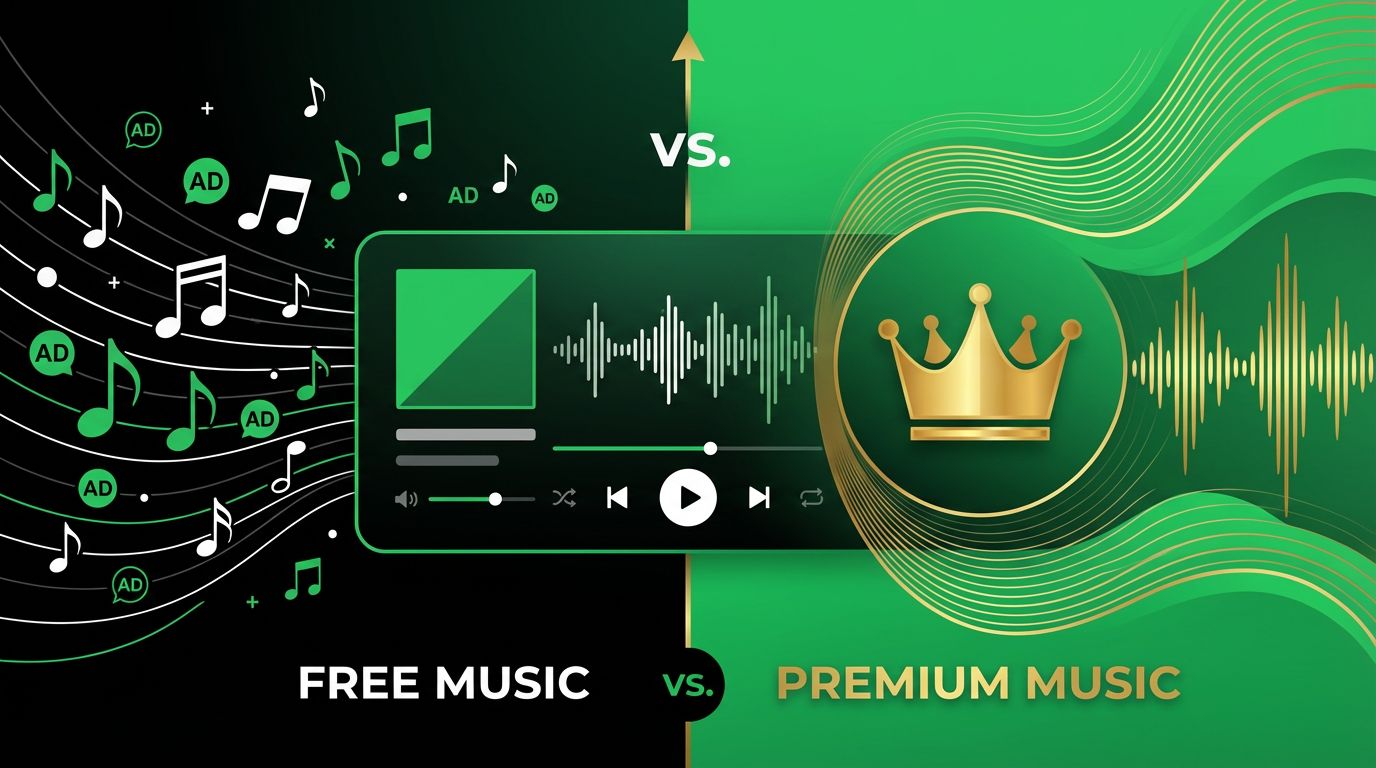
Spotify's free tier is designed with a specific purpose: to be functional enough that you keep using the app but annoying enough that you eventually pay to make the annoyances stop. This isn't speculation or cynicism, it's the documented business strategy of freemium software. The question is whether the specific limitations on Spotify Free are bothersome enough in your daily life to justify $11.99 per month, and the answer depends almost entirely on how and where you listen to music.
Here's a thorough breakdown of what each tier actually includes, what the real differences feel like in practice, and when the paid plan earns its price.
What Spotify Free actually gives you
The first thing to understand is that Spotify Free includes the complete catalog. All 100 million plus songs and 6 million podcasts available on Spotify are accessible on the free tier. You can search for anything, save it to a playlist, and come back to it whenever you want. This is not a limited library or a demo version. The music itself is all there.
The restrictions are entirely about how you experience that catalog.
On mobile devices, Spotify Free operates in shuffle mode for most content. You can't tap on a specific song in a playlist or album and play just that song. Instead, you hit play and Spotify shuffles through the content, choosing what plays next. You get roughly six skips per hour, so if the shuffle lands on something you don't want to hear, you can skip it a limited number of times before the app tells you to wait.
There are a few exceptions. Spotify has designated certain playlists as "premium free" where on-demand playback is available even on the free tier. These are typically Spotify's own curated playlists, and the selection rotates. It's a partial concession, but it doesn't cover your personal playlists or album listening.
Ads play between songs on the free tier, roughly one ad break every three to five songs, with each break lasting 15 to 30 seconds. Some are audio only, others are video ads that appear when you open the app. The frequency of ads has increased over the past few years, and during peak listening times they can feel quite intrusive. There's no way to skip them.
Audio quality on Free maxes out at 128 kbps on mobile and 160 kbps on desktop. For reference, a standard MP3 file is typically 256 to 320 kbps, and a CD is roughly 1,411 kbps. The 128 kbps on Free is noticeable on good headphones or through a decent Bluetooth speaker. On cheap earbuds or a phone speaker, most people won't notice the compression.
Offline listening doesn't exist on the free tier. Every song you play requires an active internet connection. If you're on a plane, in a subway tunnel, camping, or anywhere else without reliable data, you have no music.
What Premium actually changes
On-demand playback is the headlining difference. With Premium, you can play any song, in any order, at any time. Tap on a specific track and it plays immediately. This is the feature that converts most free users to paying subscribers, because the shuffle restriction is tolerable for background listening but genuinely frustrating when you want to hear a specific song.
No ads. The audio and video ads disappear completely. This matters more in practice than most people expect going in. The interruption itself is disruptive, but it's the unpredictability that's worse. You're in a flow state working or relaxing, and a loud ad for a product you don't care about breaks the atmosphere. Over time, this accumulates into real frustration.
Audio quality increases to 320 kbps, which is a noticeable improvement on decent headphones or speakers. It's not lossless audio, but it's good enough that most listeners can't distinguish it from higher quality formats in a blind test. If you're listening through $200 plus headphones or a home audio system, you'll appreciate the upgrade. Through $30 earbuds, you probably won't.
Offline downloads are available on Premium. You can download up to 10,000 songs across five devices. This is the feature that matters most for commuters, travelers, and anyone who spends time in areas with unreliable cellular coverage. Download a few playlists over Wi-Fi, and you're covered for hours without using any data.
Spotify Connect gets full functionality on Premium. This lets you start playing music on one device and seamlessly transfer playback to another. Start a playlist on your phone, transfer it to your laptop, then move it to your smart speaker or TV, all without stopping the music. Free users have limited Connect functionality, which means more manual switching between devices.
Group Session lets Premium users listen together in real time, each person controlling the queue from their own device. It works for road trips, house parties, or any situation where multiple people want input on what plays next.
When Free is actually fine
If you listen to music primarily as background sound while working, cooking, or doing chores, and you don't have strong preferences about exactly what song plays at any given moment, Spotify Free works. Big enough playlists on shuffle provide a continuous stream of music you generally like, and the occasional ad break is a minor interruption to background listening.
On desktop or web, Spotify Free is more capable than on mobile. The desktop app allows on-demand playback even for free users, though you still get ads. If your primary listening happens at a computer, the shuffle restriction is less of an issue.
Podcast listeners are barely affected by Free's restrictions. Podcasts play on demand, in order, with no shuffle requirement, and the ad experience is lighter than for music. Most podcasts also include their own ads within the content regardless of tier, so paying for Premium doesn't eliminate those.
When Premium clearly pays off
If you listen on mobile and care about choosing specific songs, Premium is worth it. This accounts for the majority of Spotify's user base, and it's why the shuffle restriction on mobile is such an effective conversion tool.
If you commute through areas with poor connectivity, offline downloads are not a luxury but a practical necessity. Downloading two or three playlists over Wi-Fi before leaving the house means uninterrupted listening through subway tunnels, rural stretches, or anywhere cell service drops.
If you share with others, the value improves dramatically. Spotify's Duo plan costs $16.99 per month for two people. The Family plan is $19.99 per month for up to six people living at the same address. Split among a household, Premium costs each person $3.33 to $8.50 per month. At the family plan rate, it's hard to argue against the value.
If ads genuinely disrupt your focus or mood, the investment in removing them pays psychological dividends that are hard to quantify but real. Some people barely notice ads. Others find them genuinely distressing when they interrupt a particular listening experience. If you're in the second group, you already know paying to remove them is worth it.
The alternatives worth considering
Apple Music costs $10.99 per month and includes everything Spotify Premium does, plus lossless audio and Spatial Audio with Dolby Atmos at no extra charge. The catalog size is comparable. The app experience is excellent if you're in the Apple ecosystem and notably worse on Android. If audio quality matters to you and you use Apple devices, Apple Music offers more for the same price.
YouTube Music comes bundled with YouTube Premium at $13.99 per month. If you watch YouTube regularly and want an ad-free experience there, the bundle provides both ad-free YouTube and YouTube Music for a single price. The music catalog is similar to Spotify's, though the app itself is less refined.
Amazon Music Unlimited is $10.99 per month standalone or $9.99 per month for Prime members. It includes lossless and spatial audio. The catalog is similar to competitors. The app is functional but has the least polished interface of the major services.
Tidal focuses on audio quality and artist compensation, at $10.99 per month for the standard tier. It includes lossless and hi-res audio and is the preferred service among audiophiles and people who care about how much of their subscription reaches artists directly.
The honest summary
Spotify Free is usable if you mainly listen on desktop, don't mind shuffle on mobile, and can tolerate periodic ads. For many casual listeners, it's fine.
For anyone who listens primarily on mobile and has specific musical preferences, the mobile shuffle restriction is the single feature that eventually pushes most people to pay. Spotify knows this, which is precisely why the restriction exists. Once you've experienced on-demand mobile playback, going back to shuffle feels like a downgrade.
If you haven't paid yet, try the free trial before committing. Spotify regularly offers one to three months free for new Premium subscribers. Experience the full feature set, then decide whether going back to the free tier feels acceptable. For most people, it doesn't.
About the Author
Pedro Santos
App reviewer and digital finance enthusiast. Covers payment apps, banking alternatives, and consumer tech trends.
Related Articles
UberX vs UberXL vs Uber Black vs Uber Comfort: which ride type should you choose?
When you open Uber and enter a destination, the app shows you a list of ride options rather than a single choice. For first-time users this can be con...
6 min read
Zoom vs Google Meet vs Microsoft Teams: which video call app is best?
The pandemic forced hundreds of millions of people onto video calls within a few weeks, and three platforms absorbed most of that demand. Years later,...
8 min read
TikTok vs Instagram Reels vs YouTube Shorts: which one is worth your time?
Short-form video has taken over three separate platforms that were originally built for completely different purposes. TikTok was designed around it f...
8 min read