
Cash App vs Venmo: which payment app should you actually use?
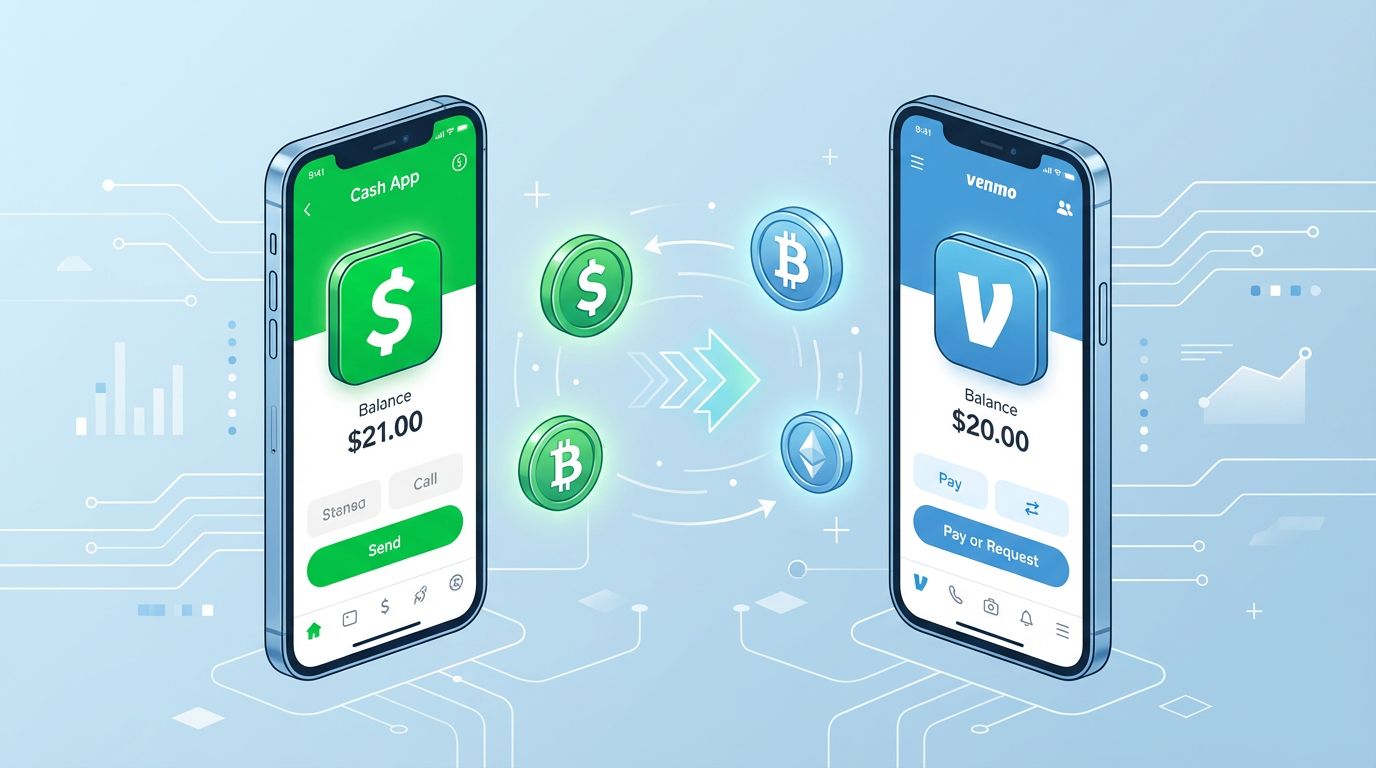
Most people in the US have at least one of these apps on their phone, and a lot of people have both without really knowing how they differ beyond the color of the icon. Cash App is green, Venmo is blue, and both let you send money to friends. But they've evolved in very different directions over the past few years, and the differences matter more than most people realize, especially when it comes to fees, privacy, and what else each app can do beyond basic transfers.
Here's a detailed breakdown that covers what actually matters.
The basics: sending money
For standard person-to-person transfers funded from your bank account or app balance, both apps are free. That's the part everyone knows, and it's the reason most people downloaded either app in the first place. You link a bank account, type an amount, pick a contact, and the money moves. Simple.
Where things get less simple is in the fee structure that surrounds this basic function.
Both apps charge a 3% fee on transactions funded with a credit card. This catches people off guard regularly, especially on Venmo where it's easy to accidentally select a credit card as the funding source instead of your bank account. If you pay $1,500 in rent through Venmo with a credit card, you just paid $45 in fees. Over a year, that's $540 on fees alone. Always double check your funding source before hitting send.
Instant transfers to your bank account also carry fees on both platforms. Venmo charges 1.75% with a minimum of $0.25 and a maximum of $25. Cash App charges between 0.5% and 1.75% depending on the amount. Standard transfers that take one to three business days are free on both. The practical rule is simple: if you don't need the money in your bank account in the next 30 minutes, use the free standard transfer and save yourself the fee.
The social feed: Venmo's strangest feature
Venmo has a social feed that shows your friends' transactions. Not the amounts, but the recipients and the payment notes. By default, this feed is public, which means anyone on Venmo can see that you paid your roommate for "utilities" or sent money to someone named Jake with a pizza emoji.
This feature is genuinely odd when you think about it critically. Security researchers and journalists have demonstrated that it's possible to map someone's social network, daily habits, and personal relationships through their Venmo feed. A 2021 investigation found that even the President's Venmo account was publicly discoverable with its full friend list visible.
The fix takes about 15 seconds: go to Settings, then Privacy, and change your default transaction privacy to Private. While you're there, also toggle off "Appear in other users' friends lists" if you want maximum privacy. Most Venmo users don't know these settings exist, which is partly why the default-public design has been criticized.
Cash App doesn't have a social feed at all. Transactions are private by default, with no option to make them public. If privacy matters to you, this is a straightforward point in Cash App's favor.
What Cash App does beyond payments
Cash App has expanded well beyond peer-to-peer payments into a lightweight financial platform. Here's what that means in practice.
The Cash Card is a free Visa debit card tied to your Cash App balance. You can use it anywhere Visa is accepted, withdraw cash from ATMs, and activate "Boosts," which are rotating discounts at specific merchants. Boosts change regularly but typically include savings at places like DoorDash, Starbucks, Walmart, and various fast food chains. The discounts are real, usually $1 to $5 off a purchase, and they activate instantly when you use the Cash Card. If you eat out frequently or use delivery apps, the Boosts can save you $15 to $30 per month without changing your behavior.
Direct deposit is another significant Cash App feature. If you route your paycheck through Cash App, you can access your money up to two days before your official payday. This works the same way it does on Chime and other fintech apps: Cash App credits your account when it receives notification of the pending deposit, rather than waiting for the actual funds to clear through the banking system. For people living paycheck to paycheck, those two days can be the difference between paying a bill on time and incurring a late fee.
Cash App also lets you buy fractional shares of publicly traded stocks and purchase Bitcoin directly in the app. The stock buying feature works for small-dollar investing: you can buy as little as $1 worth of any stock, which makes it accessible for people who want to start investing without committing significant money. The Bitcoin feature works but comes with higher transaction fees than dedicated cryptocurrency exchanges, so serious crypto traders tend to use specialized platforms instead.
What Venmo does beyond payments
Venmo has been slower to expand beyond payments, but it has added several features worth knowing about.
Venmo's debit card is similar to the Cash Card: a Visa card linked to your Venmo balance with cashback rewards on select categories. The rewards rotate and are typically 1% to 3% back at specific merchants. It's functional but less compelling than Cash App's Boost system, which tends to offer larger and more frequent discounts.
Venmo's credit card, issued by Synchrony Bank, offers 3% back on your top spending category, 2% on your second highest, and 1% on everything else. The categories adjust automatically based on your spending patterns. This is a genuinely competitive credit card offer if you're comfortable having a credit card managed through a payment app. There's no annual fee, and the automatic category adjustment means you don't have to think about which purchases earn higher rewards.
Venmo has also expanded into business payments. If you're a freelancer or small seller, Venmo Business Profiles let you accept payments with a 1.9% plus $0.10 fee per transaction. It works, but the fee structure is identical to Cash App for Business, and neither is as feature-rich as Square, PayPal, or Stripe for actual business payment processing.
Security: what you need to know about both
Both apps have had security issues. Cash App experienced a significant data breach in 2022 when a former employee accessed customer records including names and account numbers. Venmo's public-by-default transaction feed has been a persistent privacy concern, though not a traditional security breach.
The protective measures you should take are the same on both platforms. Enable two-factor authentication immediately after creating your account. Set a unique PIN for the app that's different from your phone unlock code. Don't leave large balances sitting in either app for extended periods, because neither app's balance is FDIC-insured by default. Cash App does offer FDIC insurance through its banking partners if you enable direct deposit, but that protection doesn't apply to money you've simply transferred in from your bank.
Be cautious about payment requests from unknown contacts on both platforms. Scams involving fake payment requests, fake customer service accounts, and social engineering are common on both Cash App and Venmo. Neither platform will ever contact you asking for your PIN, login credentials, or a verification code. If someone claiming to be from either app asks for this information, it's a scam regardless of how convincing they sound.
Which one should you actually choose?
Use Venmo if most of your friends and regular contacts are already on it, you mainly need an app for splitting bills and casual payments, and you appreciate the social context of seeing transaction notes from your circle. Just fix your privacy settings.
Use Cash App if you want a more complete financial tool: the debit card with Boosts, early direct deposit, basic investing, and a private-by-default experience.
Use both if your social circle is split, which is increasingly common. There's no conflict in having both installed and using each one based on who you're transacting with.
The one scenario where I'd recommend against either app: regular business payments. If you're receiving payments for freelance work, selling products, or running any kind of business operation, the 1.9% fee on both platforms adds up quickly, and neither offers the invoicing, tax reporting, or dispute resolution tools that a proper business payment platform provides. For that, look at PayPal, Square, or Stripe instead.
Don't keep more money in either app than you'd be comfortable losing. They're payment tools, not savings accounts.
About the Author
Ana Rodrigues
Tech writer focused on mobile apps and digital services. Passionate about helping people find the right tools for everyday life.
Related Articles
How to use Cash App for the first time: a complete beginner's guide
Cash App is one of the most popular mobile payment apps in the United States, used by tens of millions of people to send and receive money, pay bills,...
11 min read
How to pay for Uber: every payment method explained
Paying for Uber is automatic once your account has a payment method on file, but there are more options than most riders realize, and some choices mat...
11 min read
Is Chime a real bank? What you need to know before signing up
Chime looks like a bank. It has routing numbers, account numbers, a debit card, and FDIC insurance language prominently displayed on its website and a...
7 min read