
How to use Cash App for the first time: a complete beginner's guide
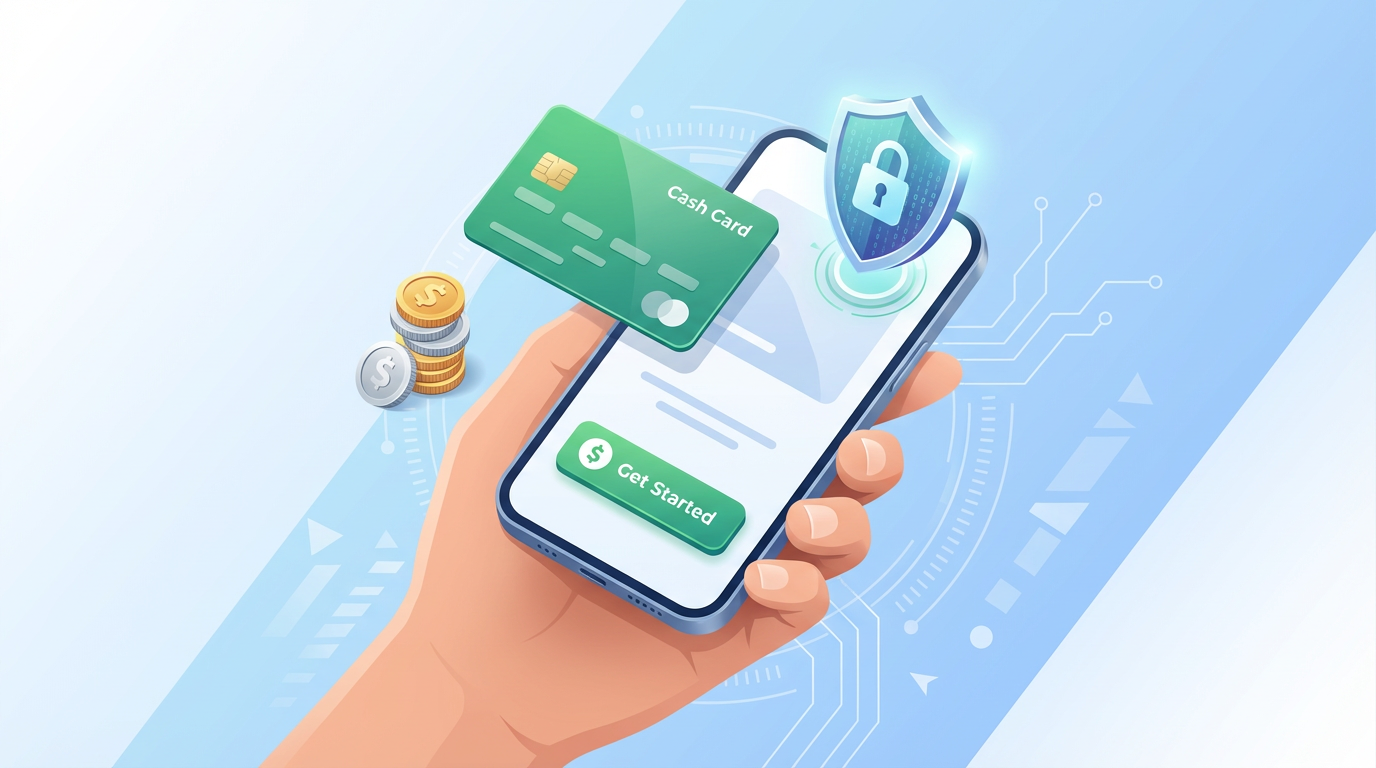
Cash App is one of the most popular mobile payment apps in the United States, used by tens of millions of people to send and receive money, pay bills, buy stocks, and even receive their paychecks directly. If someone has asked you to pay them through Cash App, or you're looking for a simple way to send money without a bank transfer, this guide covers everything you need to get started from scratch.
What Cash App actually does
Cash App is a peer-to-peer payment platform developed by Block, Inc. (formerly Square). At its core, it lets you send money to other Cash App users instantly using just their phone number, email address, or their unique "$Cashtag" username. The money transfers are free for personal use, which is the main reason so many people use it for splitting bills, paying friends back, or sending money to family members.
Beyond basic person-to-person payments, Cash App has grown to include a debit card (the Cash Card), the ability to buy and sell stocks and Bitcoin, a savings feature that earns interest, and the option to receive your paycheck via direct deposit into your Cash App balance. The app has become something closer to a simplified mobile bank account for a lot of users who either don't have traditional banking or prefer the simplicity of managing money from their phone.
The platform is available only in the United States and the United Kingdom. If you're trying to send money internationally, Cash App isn't the right tool for that use case.
What you need to get started
Setting up Cash App requires three things: a smartphone, either a US phone number or email address, and a debit card or bank account to fund your balance (optional for receiving money, but required to send it).
You don't need a credit check, a minimum balance, or a bank account just to create a basic account and receive money. If you only want to receive payments from friends, you can set up a Cash App account without ever linking a bank.
To send money, however, you need either a linked bank account or debit card, or a balance in your Cash App account funded from a previous received payment.
How to download and set up Cash App
On iPhone, go to the App Store and search "Cash App." The developer is Block, Inc. and the icon is a green square with a white dollar sign. Download it for free.
On Android, search "Cash App" in the Google Play Store. Same developer, same icon.
Open the app after installing. On the first screen, tap "Sign Up." Enter your phone number or email address. Cash App sends a verification code — either a text message or an email with a 6-digit code. Enter it in the app to confirm your identity.
After verification, the app asks you to create a $Cashtag. This is your unique username on the platform, formatted as $YourName. Your $Cashtag is how people find you to send you money. Choose something simple that people will recognize as you, ideally your name or a close variation. You can change your $Cashtag once after setting it up, so don't stress too much about the initial choice.
Next, enter your full name. Cash App uses your real name for transactions, which matters if you're going to use the app for anything beyond basic transfers.
At this point, your account is active and you can receive money. Your $Cashtag is immediately live and anyone with Cash App can send you money using it.
Adding a bank account or debit card
To send money or transfer your Cash App balance to your actual bank account, you need to link either a bank account or a debit card.
To link a bank account, go to the main menu (the profile icon in the top right), select Linked Banks, and follow the prompts. Cash App can connect directly to thousands of US bank accounts through Plaid, a bank connection service. You enter your bank's login credentials and Cash App verifies the connection.
To link a debit card instead, select Add Debit Card in the same menu. Enter your card number, expiration date, CVV, and billing zip code.
Once your bank or card is linked, you can both send money from Cash App and transfer your Cash App balance to your bank account at any time. Standard transfers to your bank are free and take 1 to 3 business days. Instant transfers cost a small fee (typically 0.5% to 1.75% of the amount, with a $0.25 minimum) and land in your account within minutes.
Sending money for the first time
On the Cash App home screen, you'll see a large keypad and a dollar amount display at the top. Type the amount you want to send, then tap "Pay."
You'll be prompted to find the recipient. You can search by their $Cashtag, their phone number, or their email address. If you've sent to someone before, they may appear in your recent contacts. Tap the correct person to select them.
On the next screen, you can add a note for what the payment is for — "dinner," "rent," "concert tickets," or whatever fits. This note is visible to both parties and appears in your transaction history.
Tap "Pay" to send. If it's your first time sending, Cash App may ask you to confirm your identity with a fingerprint, Face ID, or your PIN. The money leaves your account immediately and arrives in the recipient's Cash App balance instantly.
If the recipient hasn't set up Cash App yet and you send money to their phone number, they have 14 days to download the app and claim the payment. After 14 days, the money returns to your account automatically.
Requesting money from someone
If someone owes you money, you can request it directly through Cash App. Type the amount on the home screen, then tap "Request" instead of "Pay." Find the person the same way — $Cashtag, phone, or email — and add a note about what it's for.
The other person receives a notification that you've requested money and can accept or decline. There's no pressure mechanism; it's just a notification. If they pay, the money goes directly into your Cash App balance.
The Cash Card: your free debit card
One of Cash App's most useful features is the Cash Card, a free Visa debit card connected directly to your Cash App balance. You can use it anywhere that accepts Visa, both online and in physical stores, as long as you have sufficient balance.
To get a Cash Card, go to the Cash Card section of the app and request one. You can even customize the card's design and color. The card arrives in the mail within 5 to 10 business days.
The Cash Card works exactly like a regular debit card. When you swipe it or enter the number online, it deducts from your Cash App balance. This is useful if you receive payments through Cash App frequently and want to spend that money without transferring it to your bank first.
The Cash Card also comes with "Boosts" — Cash App's discount program. You can choose one Boost at a time from a rotating list of discounts at specific merchants (like $1 off coffee, 15% off at certain restaurants, etc.). These discounts are applied automatically when you pay with your Cash Card at participating merchants.
Direct deposit into Cash App
If your employer offers direct deposit, you can route your paycheck directly to your Cash App account instead of a traditional bank account. Cash App provides you with a routing number and account number specifically for this purpose, found in the Banking section of the app.
The main benefit is that Cash App deposits direct deposits up to two days earlier than most traditional banks, which means if your payday is Friday, you might see the money in your Cash App account on Wednesday.
Your Cash App direct deposit balance also earns 1.5% to 4.5% Annual Percentage Yield (APY) in the Savings feature — though rates change and you should check the current rate in the app.
Buying stocks and Bitcoin
Cash App includes an investing feature that lets you buy fractional shares of US stocks and Bitcoin directly from the app. You don't need a brokerage account or minimum investment. You can buy as little as $1 worth of a stock.
This investing feature is straightforward for people who want basic exposure to stocks or Bitcoin without setting up a separate investment account. The trade-offs are that Cash App's investing platform is simpler and has fewer features than dedicated investment apps, and you're limited to the stocks and cryptocurrencies available through Cash App's platform.
For people who want simple, low-barrier access to investing, it works fine. For serious investors, dedicated platforms offer more control and options.
Privacy and security features
Cash App transactions between friends are private — they don't have a social feed like Venmo's default public transaction list. Your payment history is visible only to you and the person you sent money to.
Cash App uses encryption and fraud detection, and accounts are protected with either Touch ID, Face ID, or a PIN that you set during setup. You can enable a security lock that requires this authentication every time you open the app.
One important security note: Cash App operates on a peer-to-peer model, which means payments to other Cash App users are generally not reversible. If you send money to the wrong person, you can request a refund from the recipient, but Cash App cannot force them to return it the way a bank can reverse a credit card charge. This is the most significant difference from credit card payments and the reason you should double-check the $Cashtag or phone number before confirming any payment.
Cash App will never ask for your sign-in code via text, phone call, or social media. If someone contacts you claiming to be Cash App support and asks for your code or password, it's a scam. Cash App support only operates through the app itself.
Cash App vs Venmo vs Zelle
All three apps do similar things, and many people end up having accounts on all of them because different friends use different platforms.
Venmo is owned by PayPal and has a social feed by default (you can change it to private). It's particularly common among college students and people in their 20s and 30s. Venmo has a Venmo card similar to the Cash Card.
Zelle is integrated directly into many US banks' mobile apps and transfers go directly between bank accounts rather than into an intermediary balance. If both you and the person you're sending to have Zelle-enabled bank accounts, transfers are instant and free with no app required. The limitation is that Zelle only works for person-to-person payments — no investing, no debit card, no business features.
Cash App is the most versatile of the three, with investing features, a debit card, direct deposit support, and Bitcoin. For pure person-to-person payments, all three work well, and the right choice often comes down to which one your friends already use.
Common questions from new users
Is Cash App free? Personal transfers between Cash App users are free. Business transactions (sending money from a business account) have a 2.5% fee. Instant bank transfers cost 0.5% to 1.75%. Buying Bitcoin has a service fee built into the price. The Cash Card itself is free to get and use.
Is Cash App safe? Cash App is a legitimate, regulated financial service used by tens of millions of Americans. It's not a scam, but there are scams that use Cash App as a payment method — particularly fake giveaways or "send me $50 and I'll send you $500" schemes that circulate on social media. Cash App itself is secure. Just be very careful about who you send money to and why.
Can I use Cash App without a bank account? Yes, for receiving money. If you only need to receive payments and spend them via the Cash Card, you can use Cash App without ever linking a bank account. To send money, you need either a linked bank/debit card or an existing Cash App balance.
What if someone sends me money by mistake? You're not obligated to return it, but it's good practice to do so. The sender can request the money back through Cash App. If you ignore the request, they have limited recourse since Cash App can't reverse completed peer-to-peer transactions.
For most everyday use cases — splitting dinner, paying a friend, getting paid for freelance work, or having a simple debit card for online purchases — Cash App does the job reliably and without unnecessary complexity.
About the Author
Inês Silva
Financial technology writer and personal finance enthusiast. Covers payment apps, digital banking, and money management tools.
Related Articles
How to pay for Uber: every payment method explained
Paying for Uber is automatic once your account has a payment method on file, but there are more options than most riders realize, and some choices mat...
11 min read
Is Chime a real bank? What you need to know before signing up
Chime looks like a bank. It has routing numbers, account numbers, a debit card, and FDIC insurance language prominently displayed on its website and a...
7 min read
Cash App vs Venmo: which payment app should you actually use?
Most people in the US have at least one of these apps on their phone, and a lot of people have both without really knowing how they differ beyond the ...
7 min read