
How to pay for Uber: every payment method explained
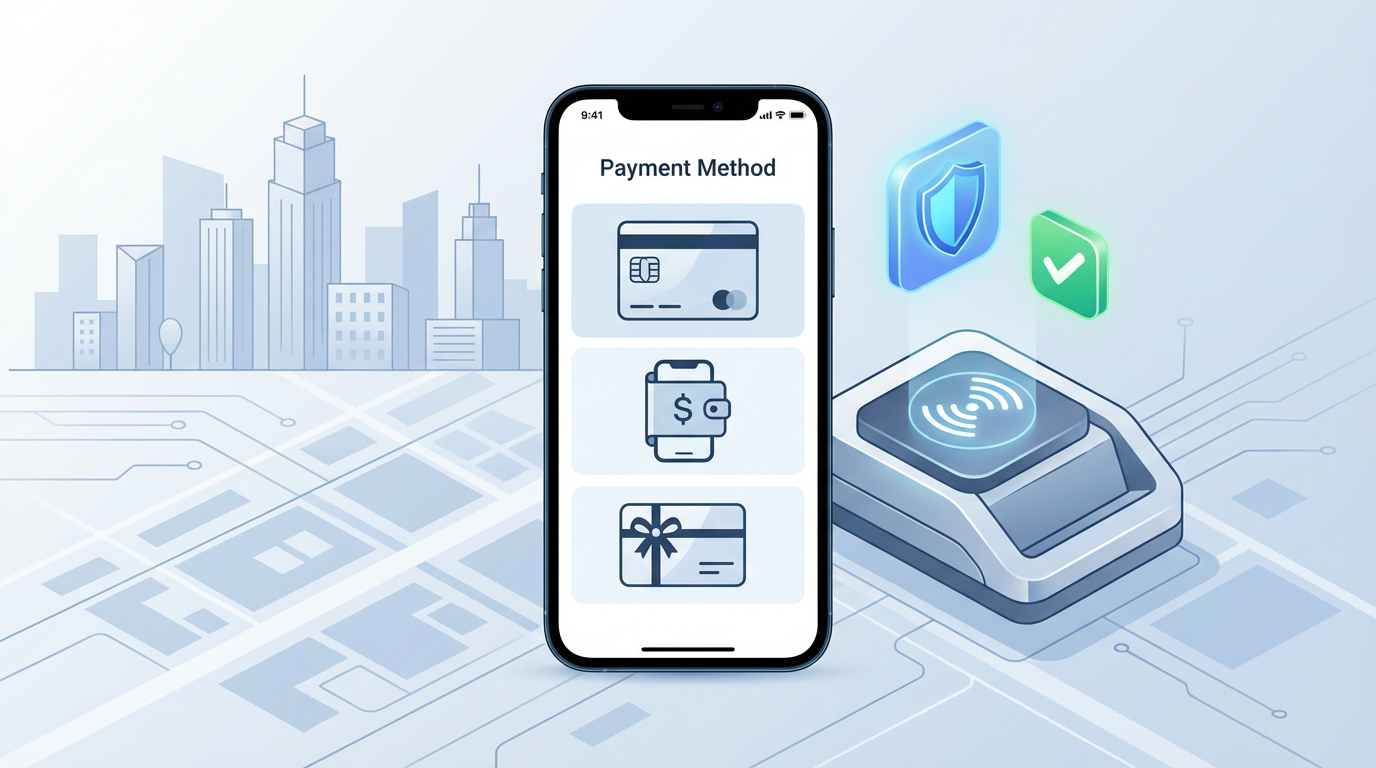
Paying for Uber is automatic once your account has a payment method on file, but there are more options than most riders realize, and some choices matter more than others depending on your situation. This guide covers every payment method Uber accepts, how each one works, how to switch between them, and what happens when something goes wrong with a charge.
How Uber payments work
When you complete an Uber ride, the app charges your payment method automatically at the end of the trip. You don't need to hand over cash, swipe a card, or do anything at the conclusion of the ride. The charge processes in the background, and you receive a receipt by email and in the app within a few minutes.
The amount charged is the final fare, which includes the base fare, distance charge, time charge, applicable taxes and fees, and any surge pricing that was active when you requested the ride. If you add a tip, that's charged separately and usually processed within a few minutes of adding it.
One thing to know about Uber's charging behavior: Uber often places a temporary authorization hold on your payment method when you request a ride. This hold may be for a different amount than the final fare. It's not a real charge but a pre-authorization to verify your payment method works. The hold drops off and the actual fare is charged once the trip completes. This can sometimes look confusing on a bank statement, particularly for debit card users.
Credit cards: the best default choice
Credit cards are the most practical payment method for most Uber riders. Uber accepts Visa, Mastercard, American Express, and Discover. If you have any of these cards, adding one to your Uber account is the most straightforward setup.
The advantages of paying with a credit card go beyond convenience. If Uber charges you incorrectly — say, the fare calculation was wrong, or you're charged for a trip you didn't take — credit cards offer dispute mechanisms that give you more leverage than debit cards. Disputing a credit card charge with your card issuer is generally easier and more likely to succeed than disputing a debit charge.
Credit cards also don't affect your available bank balance in real time. This matters because Uber sometimes places authorization holds before a trip (to verify the card) and charges the actual fare afterward. With a debit card, both the hold and the final charge come out of your checking account, which can temporarily reduce your available balance by more than the actual trip cost.
Some credit cards also offer cash back or rewards on ride-sharing purchases. Several travel and dining rewards cards categorize Uber rides as eligible for bonus points, turning your regular commute into accumulated travel miles or cash back.
To add a credit card, open Uber, go to your account (the profile icon), select Wallet, then Add Payment Method. Enter your card number, expiration date, CVV, and billing zip code.
Debit cards: works fine with one caveat
Debit cards work in Uber the same way credit cards do from a user experience standpoint. You add the card the same way, payment processes automatically, and you get the same receipt.
The caveat is the authorization hold issue mentioned above. When Uber places a pre-authorization hold on a debit card, it locks that amount in your checking account immediately. If you're running close to your balance or living paycheck to paycheck, seeing a $25 hold for a $15 ride can be disorienting. The hold typically drops within 24 to 72 hours, but it does tie up real money in the interim.
For riders who use debit cards and are mindful of their checking account balance, it's worth knowing this hold behavior exists so it doesn't appear as an unexpected overdraft situation.
Prepaid debit cards are a different story. Many prepaid cards are not accepted by Uber. If you try to add a prepaid card and it gets declined, this is likely why. The specific prepaid cards that do work with Uber vary and there's no comprehensive list, so this is a trial-and-error situation.
PayPal
PayPal is a fully supported payment method on Uber. To add it, go to Wallet in your Uber account and select PayPal from the list of options. You'll be redirected to PayPal to authorize the connection. Once connected, you can select PayPal as your payment method for any ride.
The main advantage of PayPal is a layer of separation between Uber and your actual bank account or card. If there's ever a fraudulent charge or a dispute, you handle it through PayPal's buyer protection system rather than dealing directly with your bank.
The slight inconvenience is that PayPal occasionally requires you to verify the connection again if you haven't used it in a while, or if PayPal updates its authentication requirements. This is a minor annoyance but worth knowing.
Venmo
Uber accepts Venmo as a payment method in the United States. Adding Venmo works similarly to PayPal — you go to Wallet in your Uber account, select Venmo, and authorize the connection through the Venmo app.
For riders who already have money in their Venmo balance and prefer to use it, this is a convenient option. Venmo is owned by PayPal and has similar buyer protection mechanisms.
Venmo's social feed feature (the public default of showing transactions to friends) doesn't display Uber rides by default, so there's no privacy concern about your ride history showing up on Venmo's social layer.
Apple Pay and Google Pay
If you're on an iPhone, Apple Pay is a convenient option. On Android, Google Pay works the same way. Both allow you to pay for Uber rides without entering a card number directly into the app.
The process is straightforward: add Apple Pay or Google Pay through the Wallet section, authenticate with your device's biometrics or PIN, and the connection is established. After that, you can select it as your payment method for any ride.
The advantage of using device-based payment methods is that your actual card number is never transmitted to Uber directly. Apple Pay and Google Pay use tokenization — a substitute number that represents your card without exposing it. This adds a security layer that's meaningfully useful for payment accounts you want to protect.
For rides where you pay with Apple Pay, the charge still shows on the underlying card you've linked to Apple Pay. The Apple Pay layer adds security but the money ultimately comes from whatever card or account is linked to your Apple Wallet.
Uber Cash: the prepaid balance option
Uber Cash is a balance you load into your Uber account, similar to a gift card balance. You can add Uber Cash by purchasing an Uber gift card (available at many retail stores and online) and redeeming the code in your Wallet settings.
Uber Cash is also the mechanism Uber uses for promotional credits, refunds, and compensation adjustments. If Uber gives you a $10 credit for a service issue, it typically shows up as Uber Cash in your wallet.
When you have Uber Cash in your account, it applies automatically toward your next ride. If the ride costs more than your Uber Cash balance, the remainder is charged to your default payment method. You don't have to actively select Uber Cash — it depletes as you take rides.
Uber Cash doesn't expire, which makes it a reasonable option for gift-giving or loading a balance for a specific trip.
Uber gift cards
Uber gift cards are physical or digital cards sold in $25, $50, and $100 denominations at major retailers including Target, Walmart, CVS, Walgreens, Best Buy, and Amazon. You can also buy them directly through Uber's website.
To redeem a gift card, go to your Uber Wallet, select Add Payment Method, and choose Gift Card. Enter the code from the card. The value is added as Uber Cash to your account immediately and applies automatically to future rides.
Gift cards are a practical option for people who want to give Uber rides as a gift, or for people who want to budget their ride-sharing spending by loading a fixed amount instead of leaving a card on file.
How to split fares
Uber has a built-in fare split feature for when you're riding with friends and want to divide the cost. To use it, start a ride, and during the trip (or just before starting), look for the "Split Fare" option on the trip screen. You enter the phone numbers or usernames of the people you're splitting with, and they each receive a prompt in the Uber app to accept their portion.
The split happens through the Uber app and each person's share is charged to their own payment method. This is cleaner than one person paying and everyone else Venmoing them back afterward.
The split only works if the people you're riding with also have Uber accounts with payment methods on file.
How to switch your payment method
If you have multiple payment methods saved, you can choose which one to use for any specific ride. After entering your destination and before confirming the ride, look for the payment method shown at the bottom of the screen. Tap on it to see your saved options and select a different one.
You can also set a default payment method from your Wallet settings. The default is what Uber uses unless you actively choose something different before a specific ride.
What happens when a payment fails
If your default payment method fails when Uber tries to charge at the end of a ride, the app will notify you and prompt you to update your payment information. You'll need to add a working payment method to clear the outstanding balance before you can request new rides.
If your card expires and you haven't updated it in Uber, the charge will fail at the end of your next ride. Uber will ask you to update the card details. Your ride history and account aren't affected by a failed payment, but you won't be able to request new rides until the balance is settled.
For disputed charges — if you see a charge you didn't authorize or a fare amount that looks incorrect — report it immediately through the Help section in the app. Go to Your Trips, select the relevant trip, and look for the option to report an issue with the fare or an unknown charge. Uber's support team reviews these and typically responds within 24 to 48 hours. Legitimate errors are usually corrected with an Uber Cash adjustment or a refund to the original payment method.
Uber One subscription and how it affects payments
Uber One is a monthly subscription at $9.99 per month that includes 5% cash back on Uber rides (as Uber Cash), priority driver matching, and discounts on Uber Eats. The subscription fee is charged to your default payment method once a month.
The cash back from Uber One accumulates as Uber Cash in your Wallet and applies automatically to future rides. For people who take Uber regularly — several rides per week — the cash back can add up enough to offset the subscription cost. For occasional riders, the subscription usually doesn't make financial sense.
Tipping: separate from the fare
Tips are not included in the Uber fare estimate and are charged separately when you choose to add one. The tip prompt appears in the app after your trip ends, with suggested amounts (typically $1, $2, and $3 for standard rides, higher suggestions for longer ones) and the option to enter a custom amount.
You're not required to tip, and there's no pressure mechanism in the app beyond the prompt itself. If you decide to add a tip after you've already dismissed the prompt, you can do it from Your Trips within 72 hours of the ride.
Tips go entirely to the driver and are not shared with Uber.
Payments in international travel
If you're visiting the United States and have a non-US card, Uber accepts international credit and debit cards on the same networks — Visa, Mastercard, Amex, Discover. Your card needs to be enabled for international online transactions, which most travel-ready cards are by default. Check with your bank before traveling to confirm there are no online transaction restrictions.
International cards may incur foreign transaction fees from your card issuer (typically 1% to 3%) on top of the Uber fare. Using a travel credit card that waives foreign transaction fees eliminates this extra cost.
Apple Pay and Google Pay with a foreign card also work, as the tokenization layer handles the international card the same way it handles domestic ones.
With any of these options set up correctly, paying for Uber becomes one of the most effortless parts of getting around in the United States.
About the Author
Bruno Carvalho
Travel tech writer and transportation app specialist. Covers airport guides, payment methods, and bilingual content.
Related Articles
How to use Cash App for the first time: a complete beginner's guide
Cash App is one of the most popular mobile payment apps in the United States, used by tens of millions of people to send and receive money, pay bills,...
11 min read
Is Chime a real bank? What you need to know before signing up
Chime looks like a bank. It has routing numbers, account numbers, a debit card, and FDIC insurance language prominently displayed on its website and a...
7 min read
Cash App vs Venmo: which payment app should you actually use?
Most people in the US have at least one of these apps on their phone, and a lot of people have both without really knowing how they differ beyond the ...
7 min read